
How to install Freetestnet.com on your phone
Quick access. App-like experience. Always up to date.
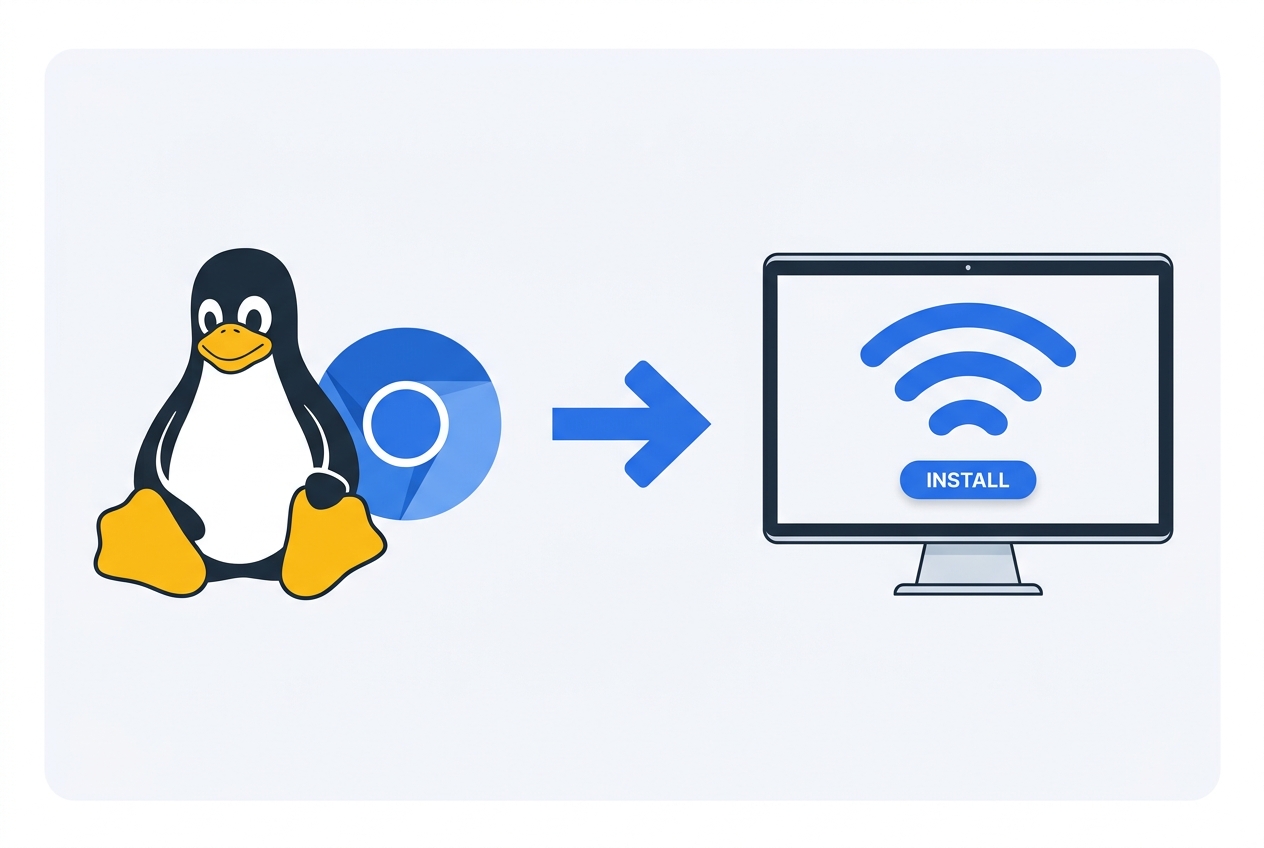
Click the image to enlarge
Linux — Chrome / Chromium
- 1Open freetestnet.com in your browser.
- 2Click the install icon (⊕ / monitor) on the right of the address bar — or menu → “Install”.
- 3Confirm “Install”.
- 4The app appears in your system (Start menu / desktop / launcher).
About installing the app
Freetestnet.com is a Progressive Web App (PWA), so you can install it straight from your browser without any app store. Once installed it opens full screen from your home screen or desktop, loads instantly and works like a native app.
Installing gives you one-tap access to speed tests, stability checks and rankings whenever you need them. Follow the short steps above for your device to add it in a few seconds.
App install FAQ
Is the app free to install?
Yes, installing the app is completely free and takes only a few seconds. There is no app store, account or download required.
Which devices are supported?
You can install it on Android, iPhone and iPad, Windows, macOS and Linux using a modern browser such as Chrome, Edge, Safari or Brave.
Do I need an app store?
No. As a Progressive Web App it installs directly from your browser, so it takes little space and updates automatically.